The song you're learning, at your speed and in your key.
With Downstep you slow a song down, change its key, or do both, independently. Then you repeat the hard part as many times as you need. It's free, for Mac and Windows.
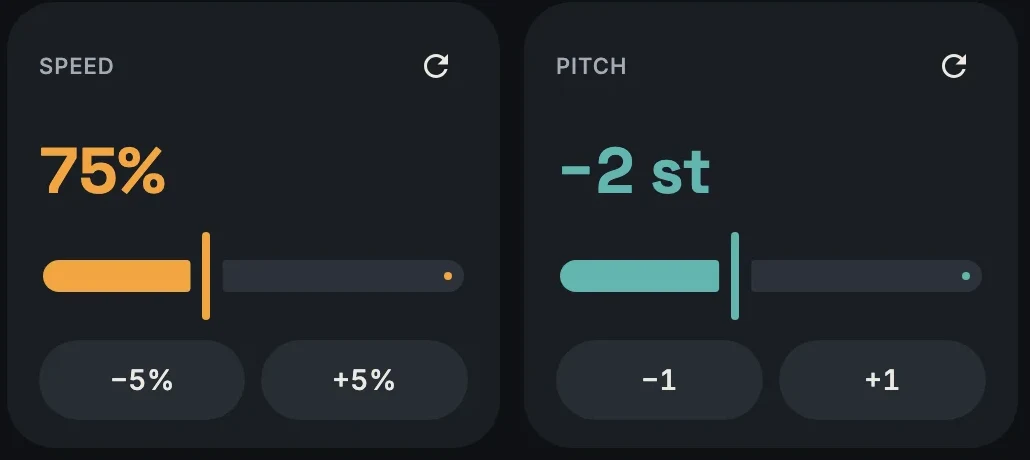
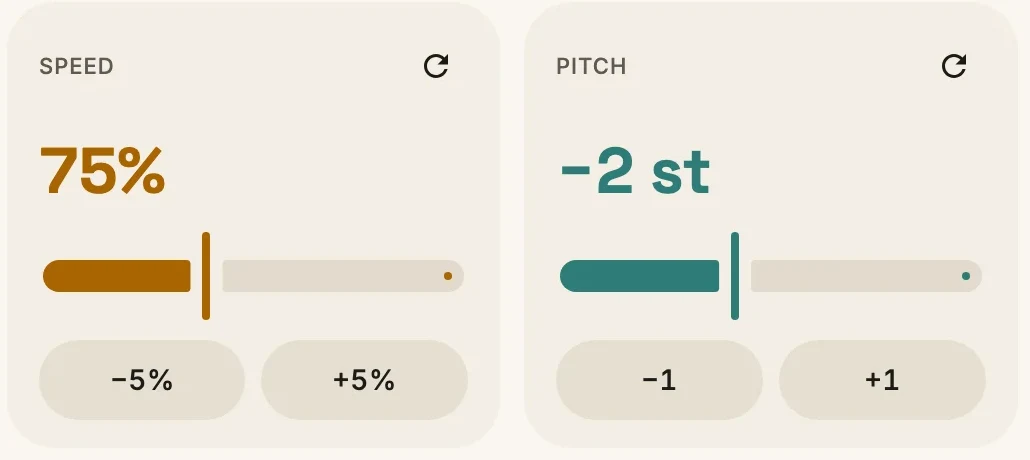
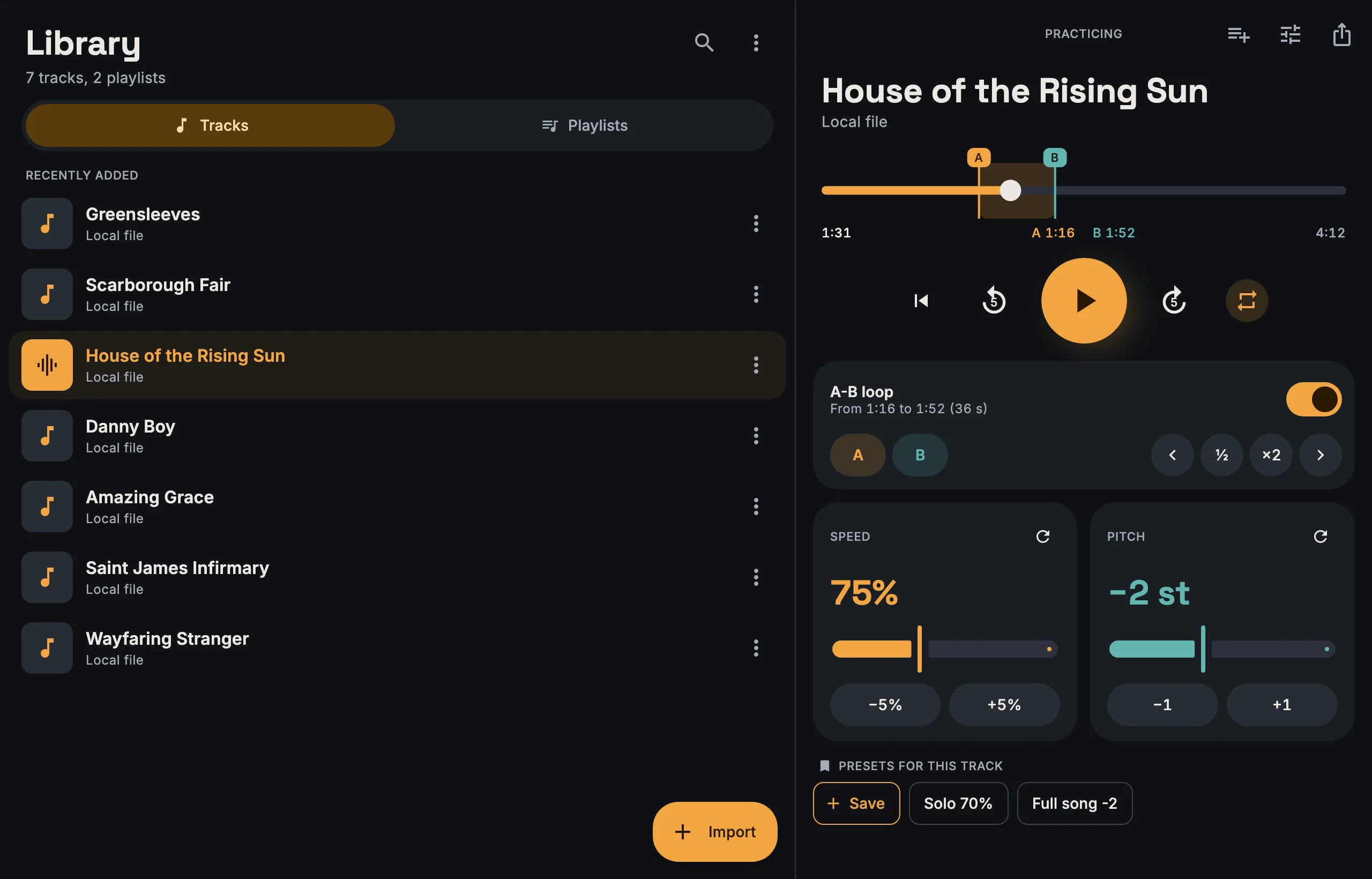
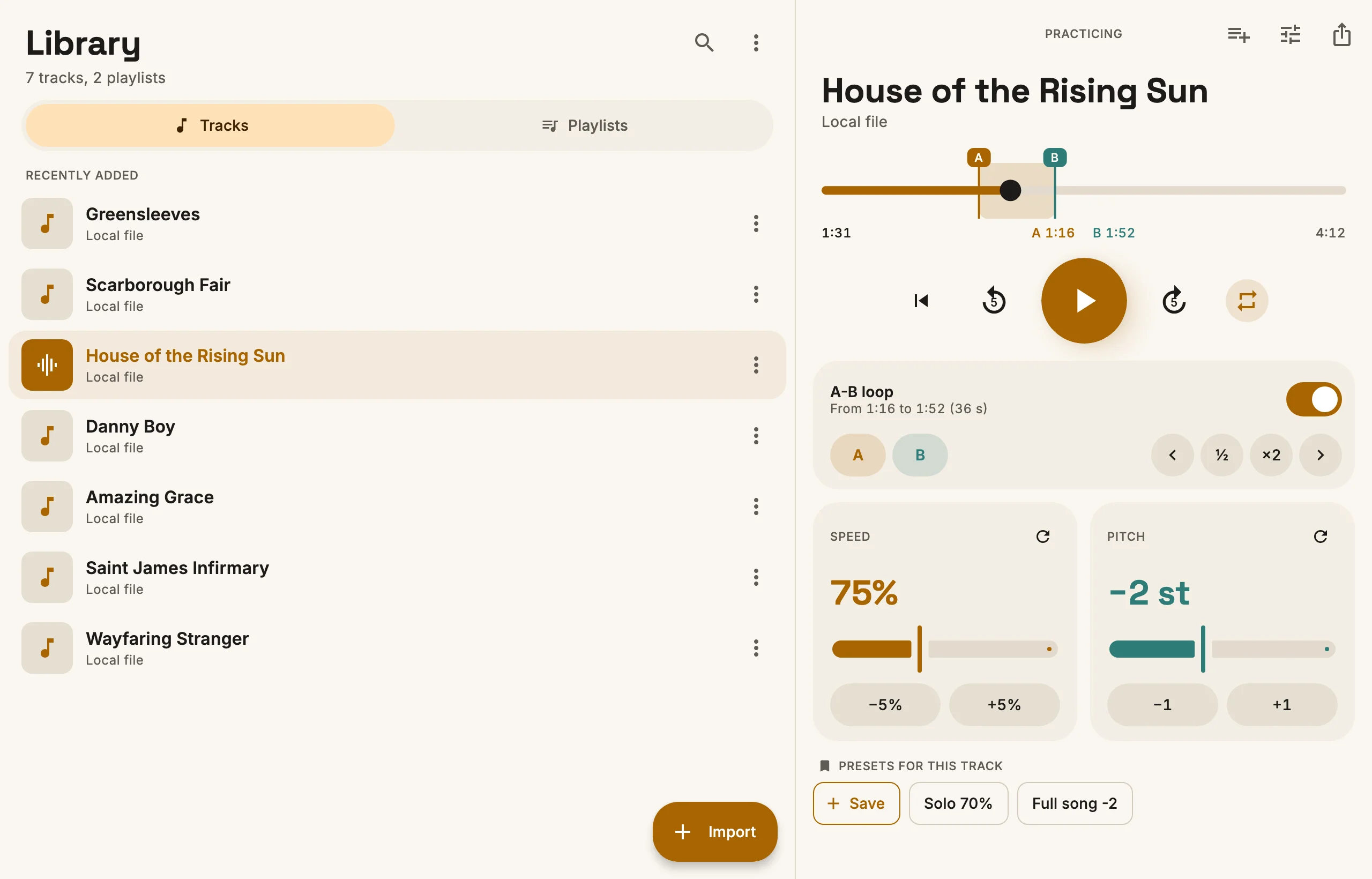
You can go from 25% to 200% of the original speed, and move the key up to 12 semitones up or down. Changing one doesn't touch the other, so you can slow a song down and put it in your vocal range at the same time.
Loop
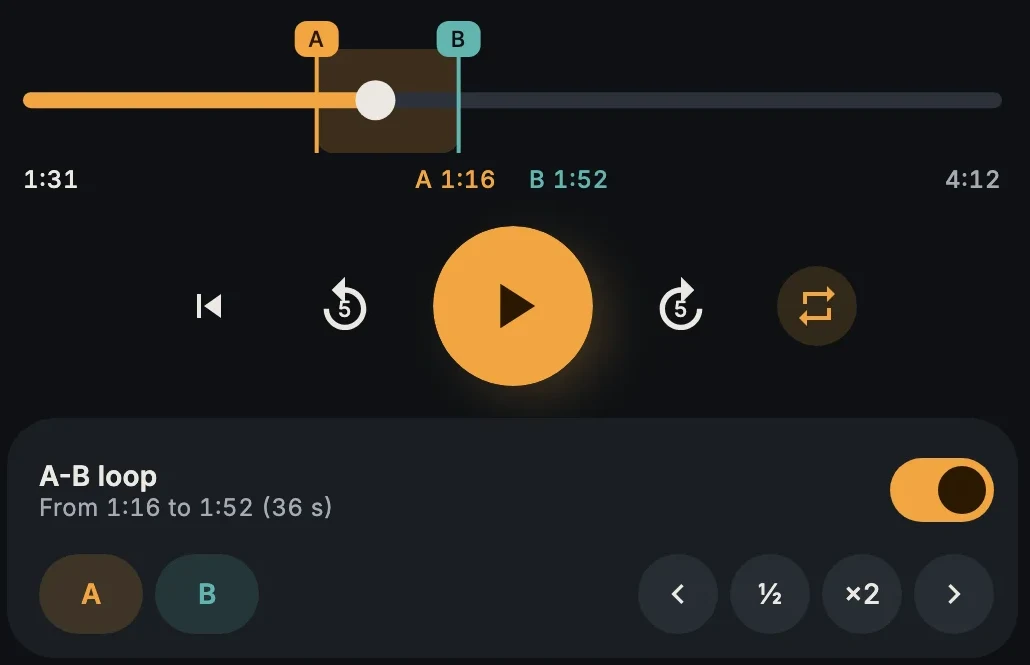
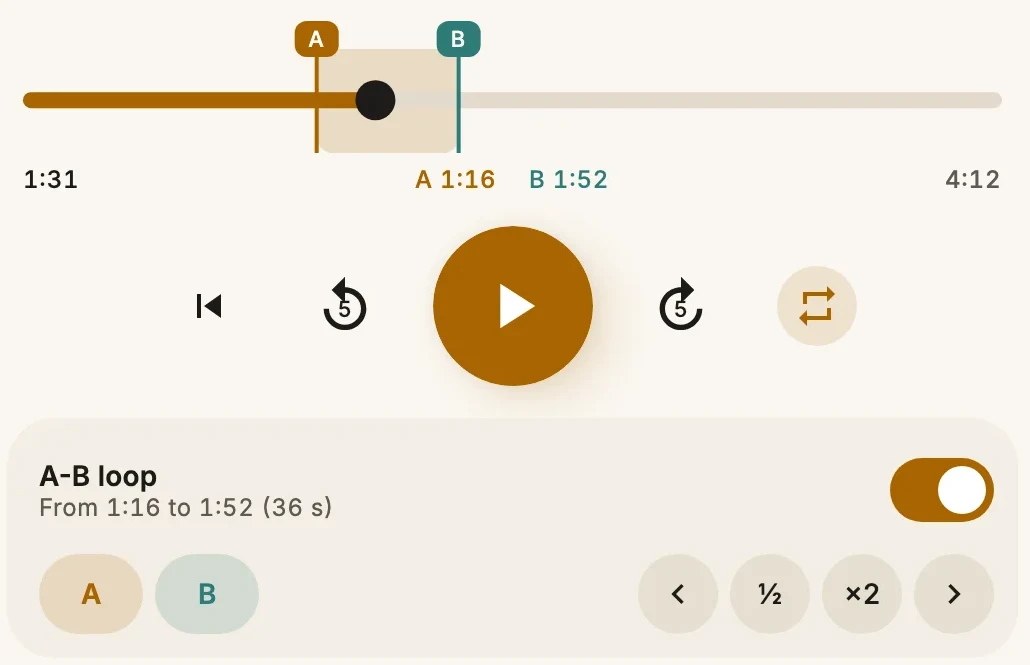
A-B loop
Press A and B while the song plays, or drag the markers on the timeline. The buttons next to them halve or double the loop, or move it to the next phrase.
Library
Your songs, offline
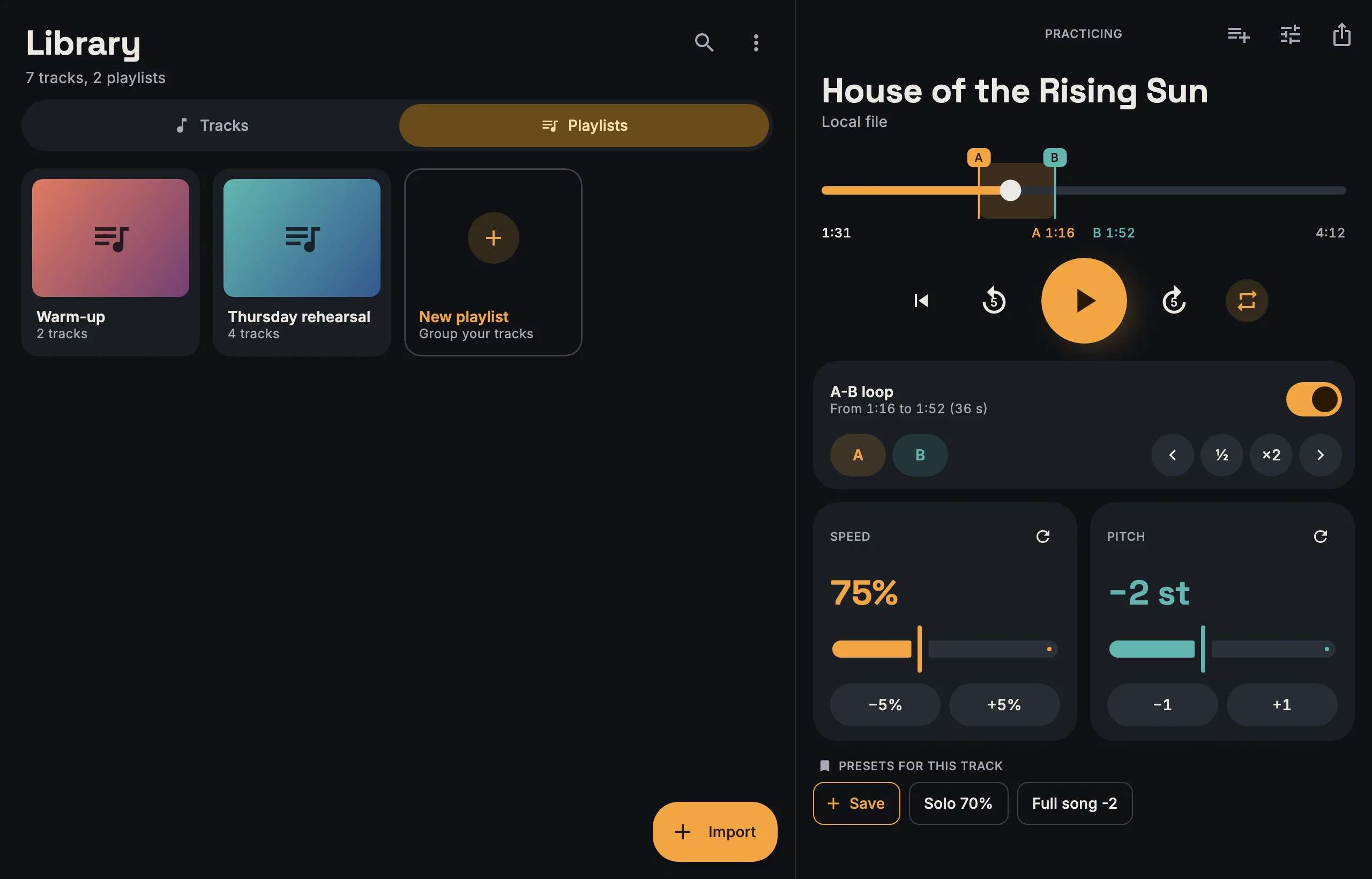
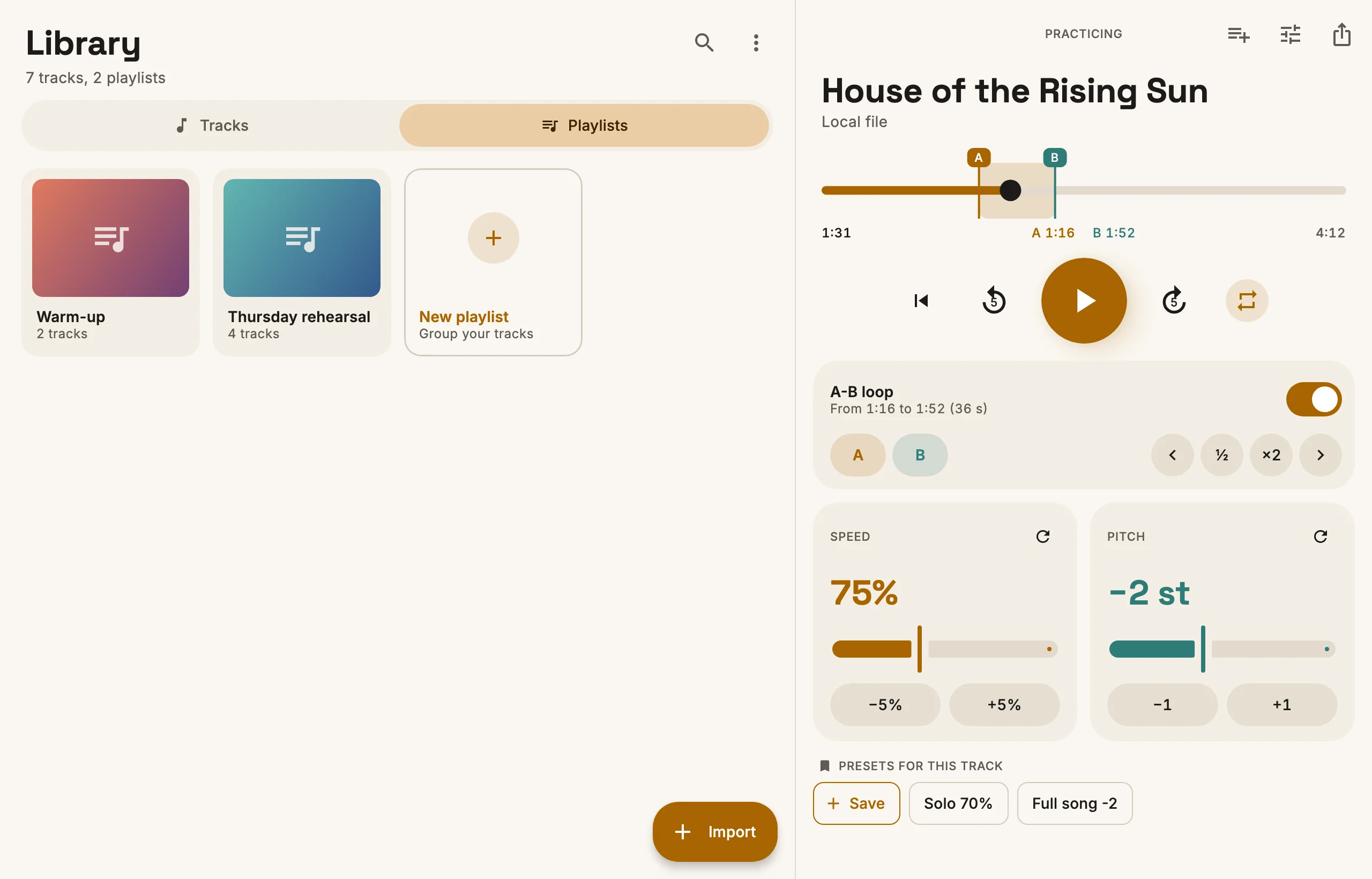
Import MP3, M4A, WAV or FLAC files, or a YouTube link (only for content you have the rights to). Everything is saved on your computer, so you can practice without a connection. You can also group songs in playlists.
Presets
Presets
Each song keeps its own speed, pitch and loop, so you find it as you left it. You can also save presets with a name and switch between them.
Solo 70%Whole song −2
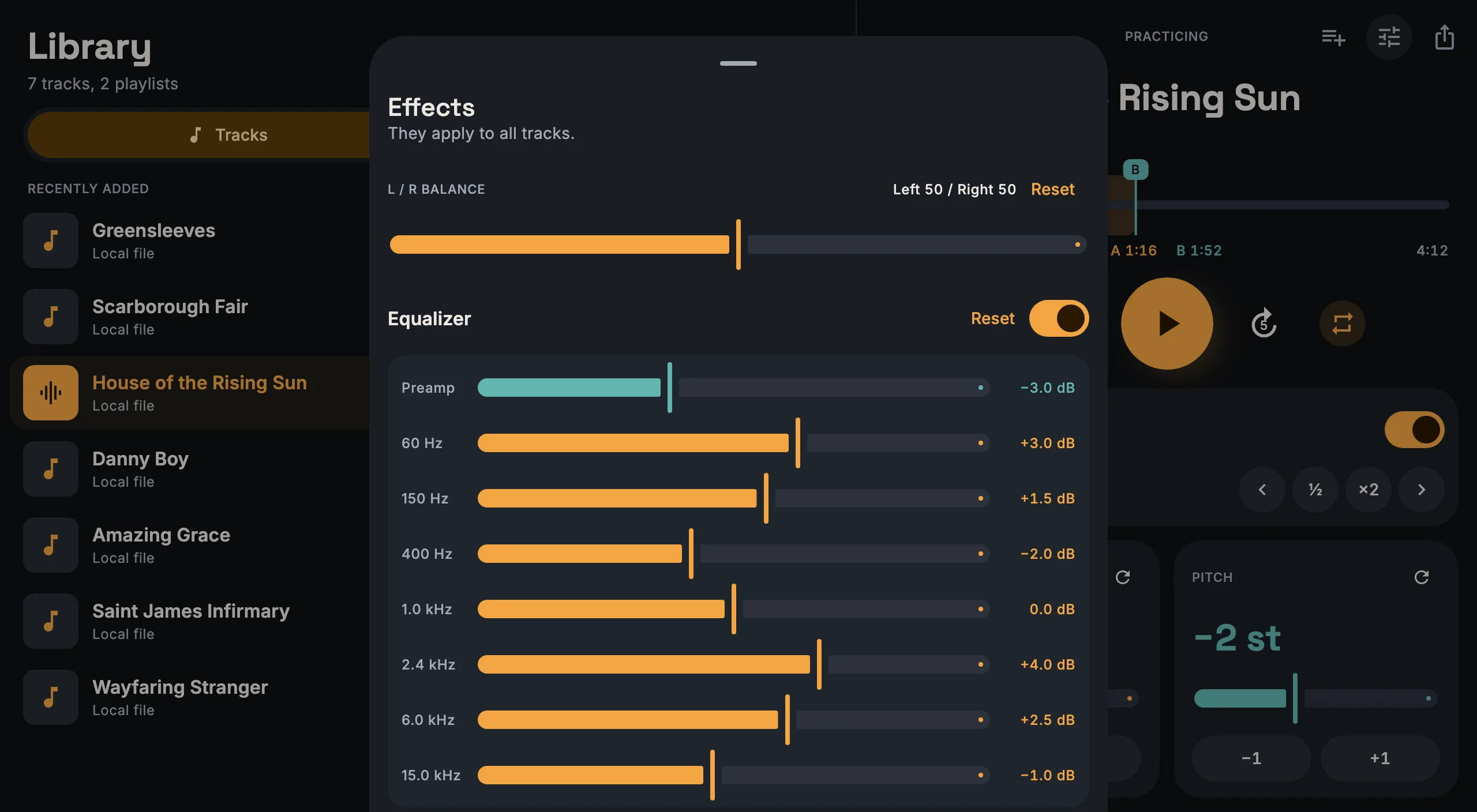
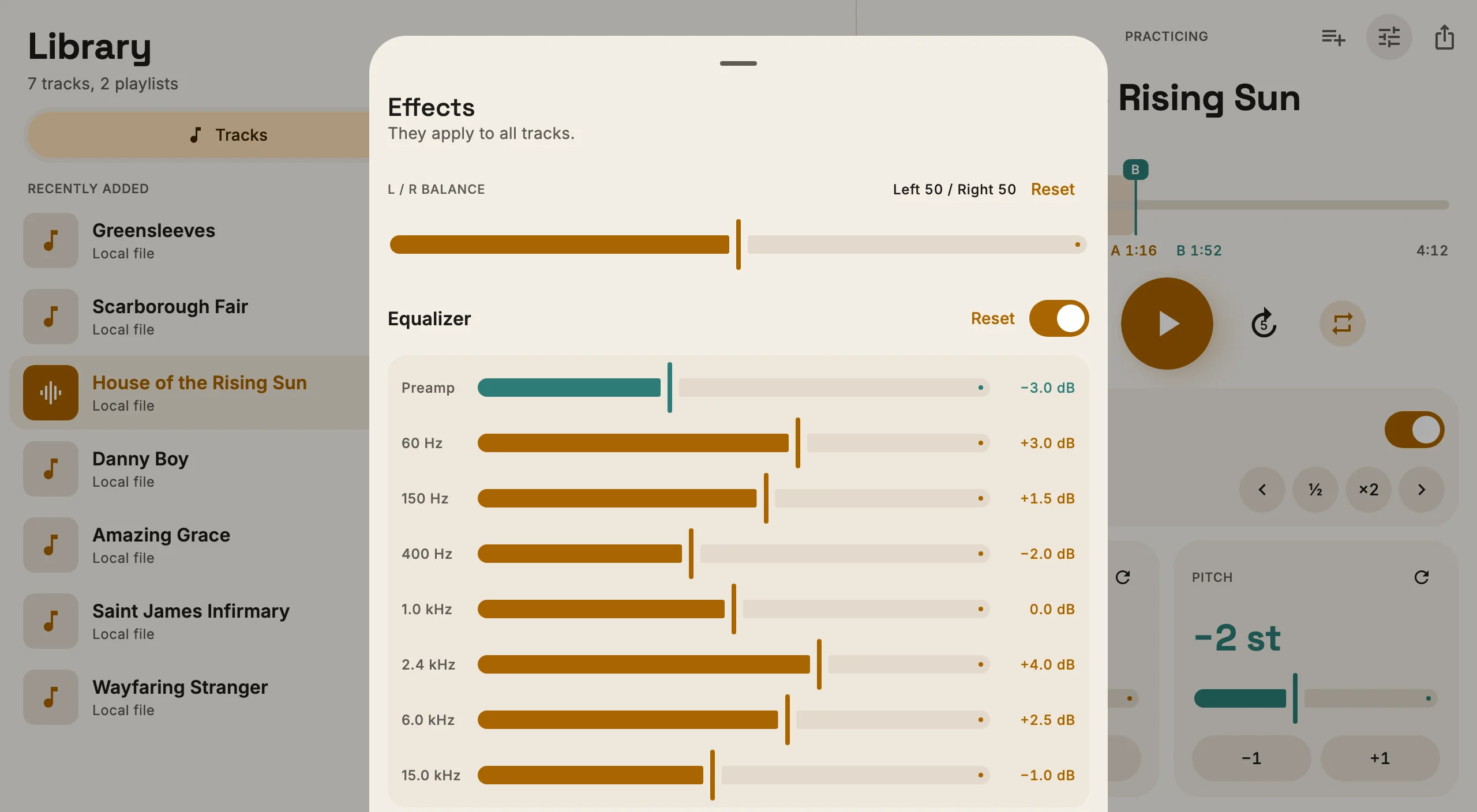
Effects
Equalizer and balance
60
150
400
1k
2.4k
6k
15k
A 7-band equalizer and a left and right balance, useful when you want to hear one instrument better.
Export
Export and backup
You can export a song to MP3 with your changes applied. The backup holds the whole library, and you can restore it on another Mac or on Windows.
Use cases
Voice
Find the right key
Before you decide what key to sing a song in, try it one semitone at a time, up or down, until it sits well in your voice.
−1 st−2 st−3 st
Instrument
Your tuning, not the record's
Many records are tuned a half step down. Raise the song by one semitone and play along without retuning.
+1 st
Band
Two semitones down, for the singer
The band decides to play the song lower for the singer. Save the preset, send the backup to the others, and everyone practices at home on the same version.
−2 st
Stage
A medley with no gaps
Two songs back to back in the set: move the second one to the key of the first, and practice the change until it feels natural.
I play guitar in a band, and to learn new songs I slow down the hard parts and loop them. I wanted something simple, that works offline and that everyone in the band can use with the same presets. So I made Downstep in my free time.
On your computer: ~/Library/Application Support/SlowDowner on Mac, %APPDATA%\SlowDowner on Windows. The folder still has the app's first name. To move your songs to another computer, use the backup.
Why does macOS block it?
Because it isn't distributed through the App Store. You only need to allow it once, the download page explains how. In the future it will come to the App Store too, and this step won't be needed anymore.
Does it work on an Intel Mac?
Not for now, only on Apple silicon (M1 and later).
Is there an iPhone or Android version?
Not for now. I'd like to make an iPhone version, but there is no date yet.
Can I import from YouTube?
Yes, paste a link and the app saves only the audio. Downloading from YouTube can be against its terms of service, so use it only for content you have the rights to.
 Downstep